Pealo vs Due
Pealo vs Due: alarm for a meeting, or nag for a task
Due repeats a reminder until you act. Pealo rings once, loudly, before a meeting. Different problems, often confused.
Compared here:
- Pealo
- Due
Pealo or Due?
Due is a reminders app that repeats a notification until you mark the item done, and it does not read a calendar, so every item is typed in. Pealo reads Google Calendar, Outlook and iCloud and schedules a real system alarm before each event automatically. Due is for tasks you postpone; Pealo is for meetings you miss.
| What matters | Pealo | Due |
|---|---|---|
| Alarms from calendar events | Automatic, from every connected account | No, every item is typed in |
| Rings on silent | Rings | Rings |
| Multiple accounts | Google, Outlook, iCloud, unlimited | Its own list |
| Alarm updates when a meeting moves | Yes, and it goes away if the meeting is cancelled | No, it reads no calendar |
| Lock Screen countdown | Yes, live before each alarm, with one tap to skip | Not stated |
| Minimum iOS | iOS 26.1 or later | Not stated |
| Price and trial | Free to download, then $9.99 a month or $49.99 a year after a 7-day trial | Not stated |
| Best for | Several calendars that change weekly | Being nagged until you act |
When is Due the better fit?
Due is excellent at what it does. It is just not a calendar alarm. Due sits in the full nine-app comparison of calendar alarm options, which covers seven other ways to get an alarm from an event.
Pick Due for tasks you keep postponing
Take the medication, send the invoice, move the car. Due nags until it is done, which is the point.
Pick Pealo for meetings
A meeting does not need nagging. It needs one alarm you cannot miss, at the right time, without typing anything in.
Due does not read calendars
Every Due reminder is created by hand. Pealo reads Google, Outlook and iCloud and creates alarms on its own.
Use both
Due for the to-do list, Pealo for the calendar. They do not overlap.
On the App Store
What does Pealo look like on iPhone?
Calendar Alarms — Pealo, version 1.0.1, on the App Store since 18 August 2026. Free to download; $9.99 a month or $49.99 a year once the 7-day trial ends, as listed on the Pealo pricing page.
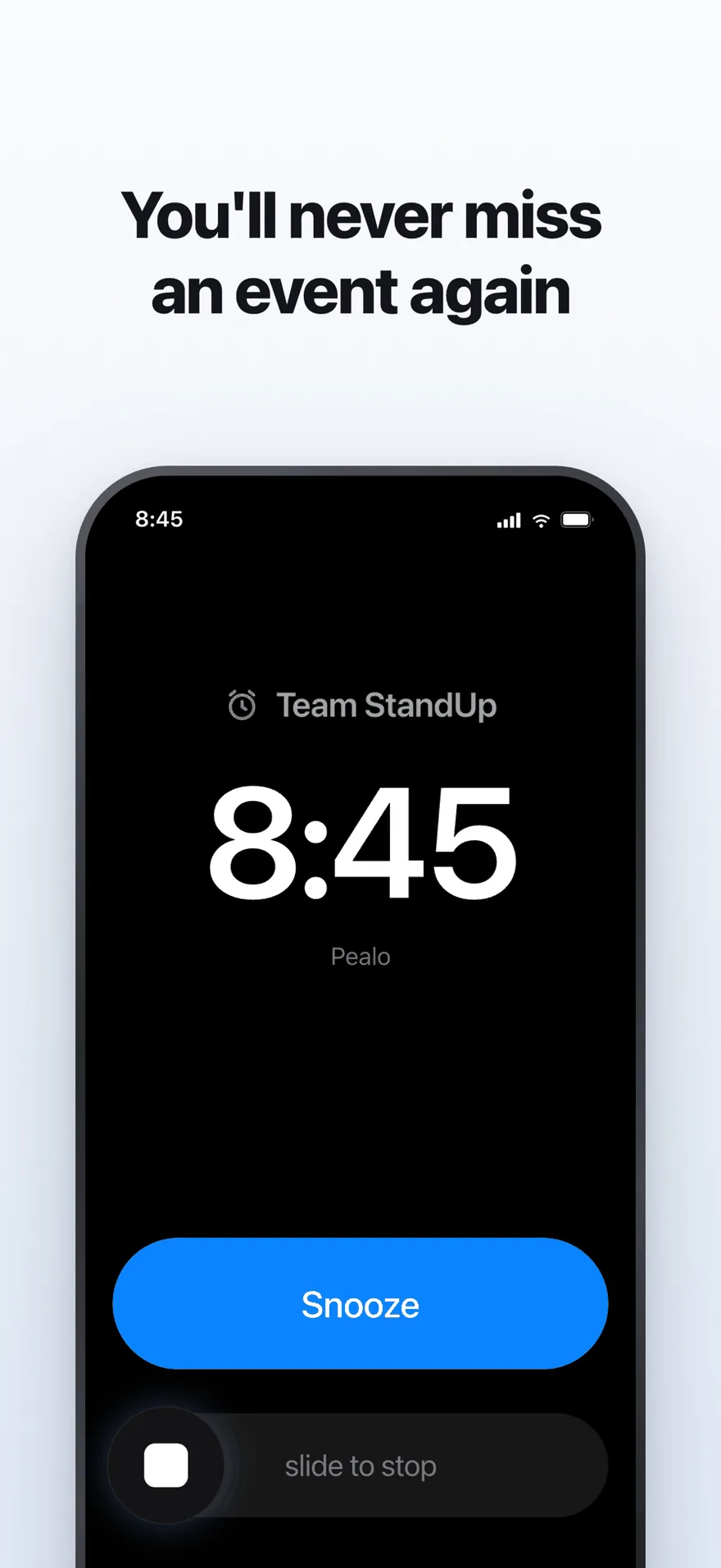
The alarm screen. It rings at full volume through Silent Mode and Focus.
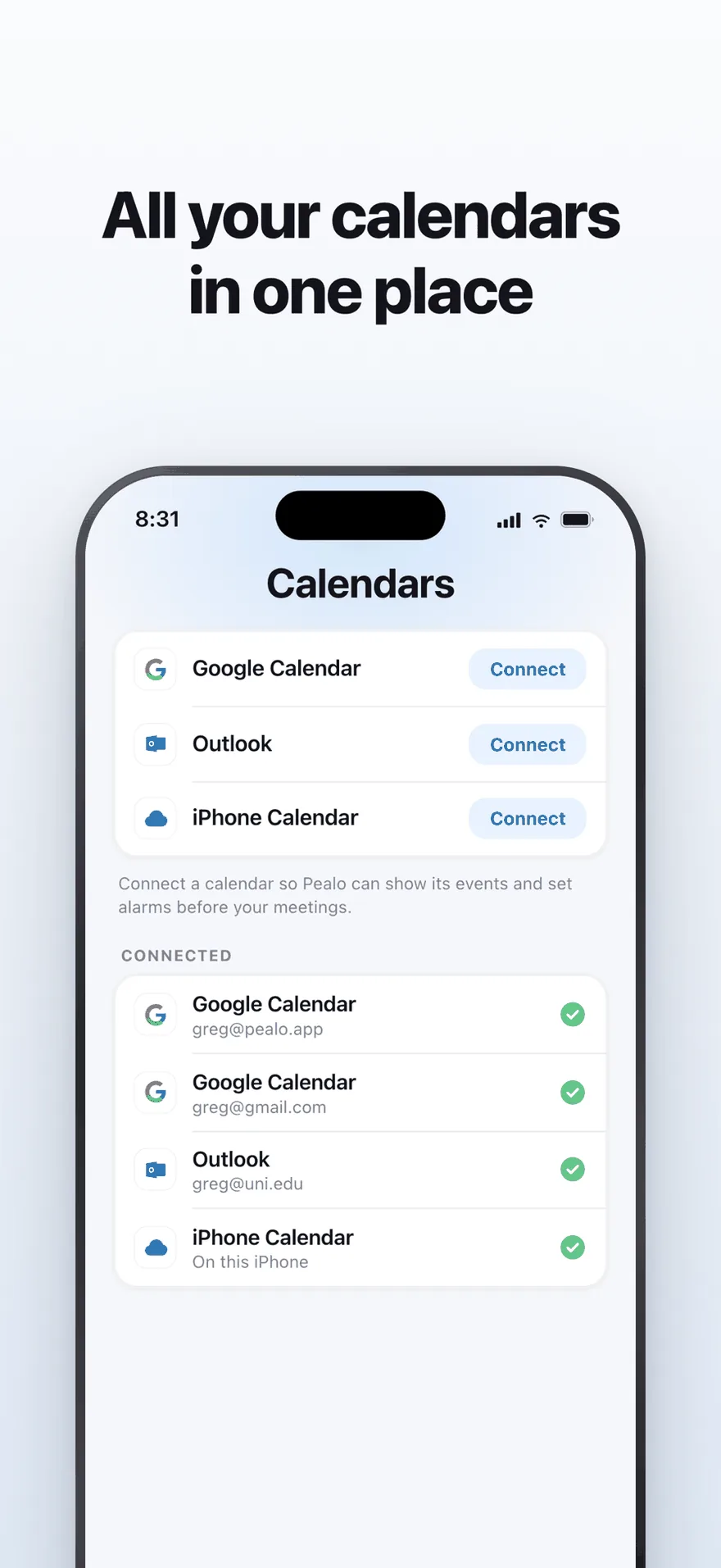
Google Calendar, Outlook and iPhone Calendar — several accounts at once.
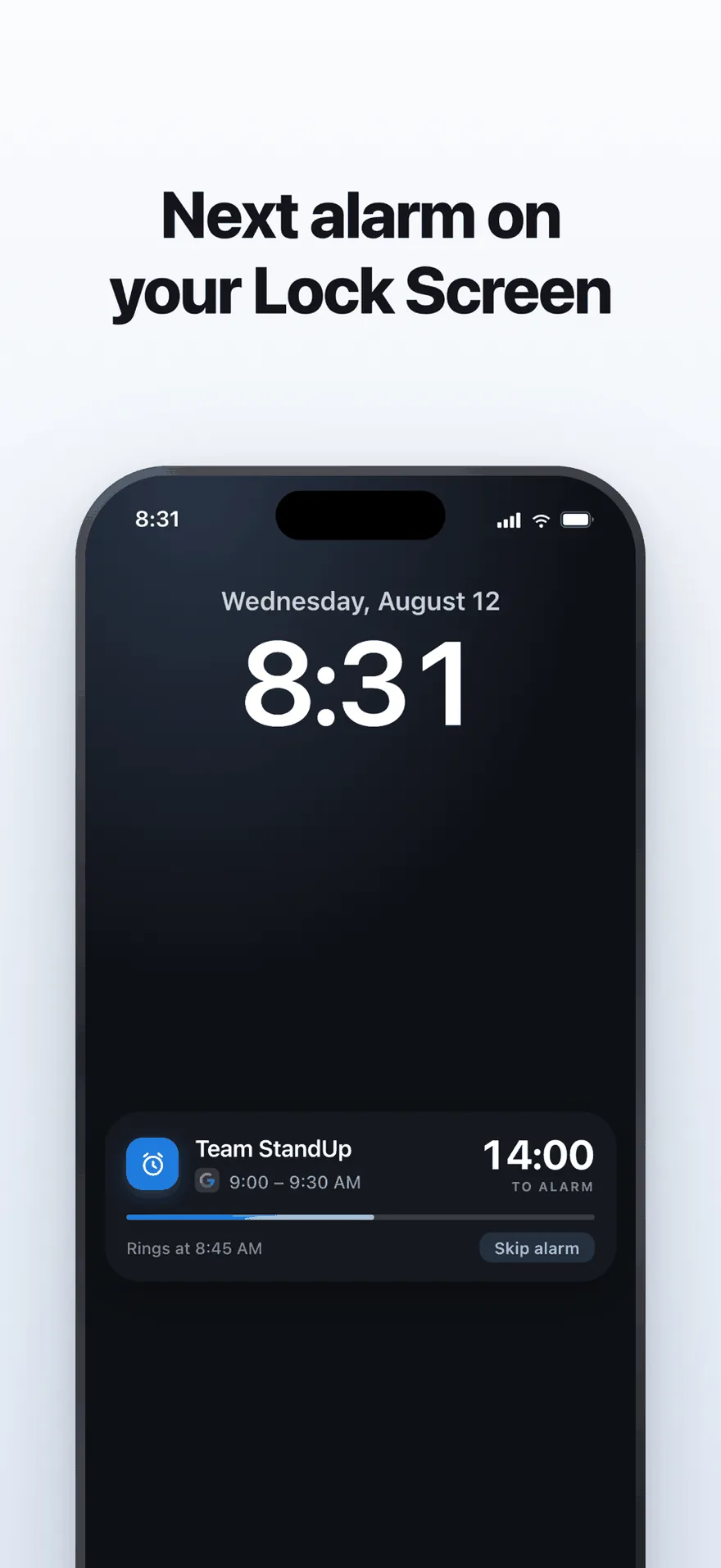
A live countdown on the Lock Screen, with one tap to skip an alarm.
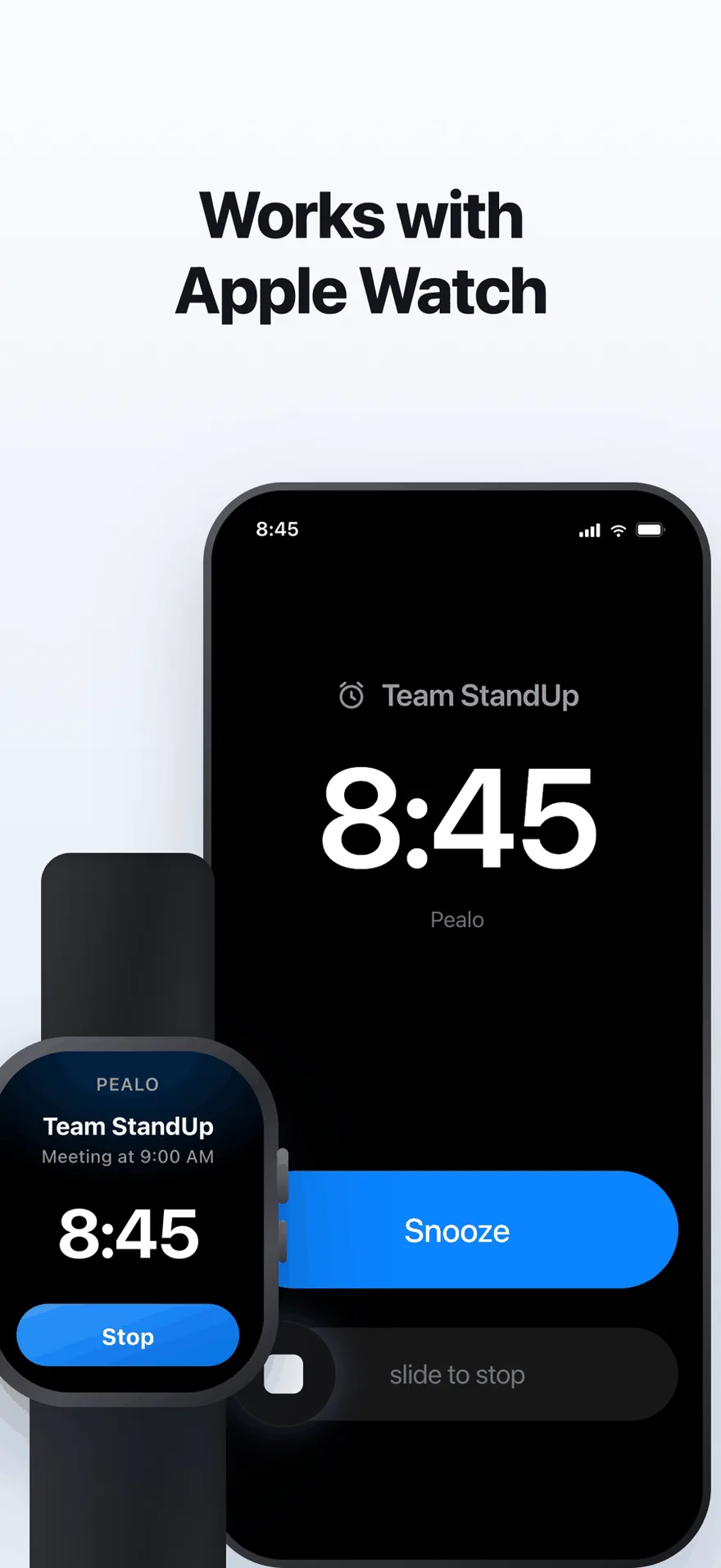
The same alarm on Apple Watch. No extra setup.
FAQ
Pealo vs Due questions
Can Due import my calendar?
No. Due is a standalone reminders app; items are created by hand or via Shortcuts.
Does Due ring on silent?
Due can use critical alerts on supported setups, which play on silent. Pealo uses system alarms, which always do.
Does Pealo nag repeatedly like Due?
No. Pealo rings once, ramps up over twenty seconds, and keeps ringing until you stop or snooze it. It does not re-fire every minute.
Should I replace Due with Pealo?
Only if you used Due mainly for meetings. For tasks, keep Due.
Keep Due for the tasks. Let Pealo take the meetings.
Connect one calendar and compare a week of alarms. Seven days free.
Try Pealo free for 7 daysSeven days free, then $49.99 a year
Pealo on every device