Alternatives
Every way to get an alarm from your calendar, compared
Nine options, from the free Clock app to apps built for this exact job. What each one does, and which one fits how your calendar actually works.
Compared here:
- Pealo
- iPhone Clock
- Calendar reminders
- Calarm
- Beacon
- Due
- Alarmy
- Fantastical
- Google Calendar app
Which calendar alarm app should you use?
If your calendar changes often or you keep more than one account, Pealo fits best: it connects Google, Outlook and iCloud at once and arms alarms automatically. The Clock app is enough for two or three fixed meetings a week. Calarm and Beacon suit an Apple-Calendar-only setup; Due suits repeated nagging. Pealo runs on iPhone, iOS 26.1 or later.
| App | Alarms from calendar | Rings on silent | Multiple accounts | Best for |
|---|---|---|---|---|
| Pealo | Automatic, all accounts | Rings | Google, Outlook, iCloud, unlimited | Several calendars that change weekly |
| iPhone Clock app | No, you set each one | Rings | Reads no calendars | Two or three fixed meetings a week |
| Calendar reminders | Automatic | Silenced | Whatever the app shows | A gentle nudge when you are already looking |
| Calarm | Automatic | Rings | Apple Calendar only | Everything already in Apple Calendar |
| Beacon | Rule-based | Rings | Apple Calendar only | Alarms for a narrow set of keywords |
| Due | No, manual reminders | Rings | Its own list | Being nagged until you act |
| Alarmy | No, you set each one | Rings | Reads no calendars | Waking up in the morning |
| Fantastical | Notifications only | Silenced | Google, Outlook, iCloud | Seeing and planning the calendar |
| Google Calendar app | Notifications only | Silenced | Google accounts | Managing Google events |
Four of these rows have a page of their own: Pealo against the built-in iPhone Clock alarm, against the reminders your calendar already sends, against Calarm, the Apple-Calendar-only alarm app, and against Due, the repeating task reminder.
What decides which app you need?
The four things that decide whether an app solves this problem: does it make alarms from your calendar without you asking, does the sound survive Silent Mode, can it read more than one account, and who it suits. The table above is the short reference; the narrative walkthrough of the best calendar alarm apps for iPhone works through the same nine options in order.
Pick the Clock app if your week barely changes
Two recurring meetings and a fixed schedule need no software. Set two repeating alarms once and you are done. The moment the schedule moves weekly, the manual step becomes the thing you forget.
Pick Calarm or Beacon if everything is in Apple Calendar
Both read the Apple Calendar app well and make real alarms. Neither connects Google or Outlook directly, so if your work calendar is a Workspace account they only see it when it has been mirrored into Apple Calendar first.
Pick Due if the problem is acting, not hearing
Due exists to repeat itself until you mark something done. That is a different problem from waking up for a meeting, and it does not read a calendar, so you type each item in.
Pick Pealo if you keep more than one calendar
Connect Google, Outlook and iCloud at the same time, several accounts of each, and the alarms are armed without any per-event setup. New meeting appears already armed, moved meeting takes its alarm along, cancelled meeting takes it away. The rest of the behaviour is set out on the page for Pealo on iPhone.
On the App Store
What does Pealo look like on iPhone?
Calendar Alarms — Pealo, version 1.0.1, on the App Store since 18 August 2026. Free to download; $9.99 a month or $49.99 a year once the 7-day trial ends, as listed on the Pealo pricing page.
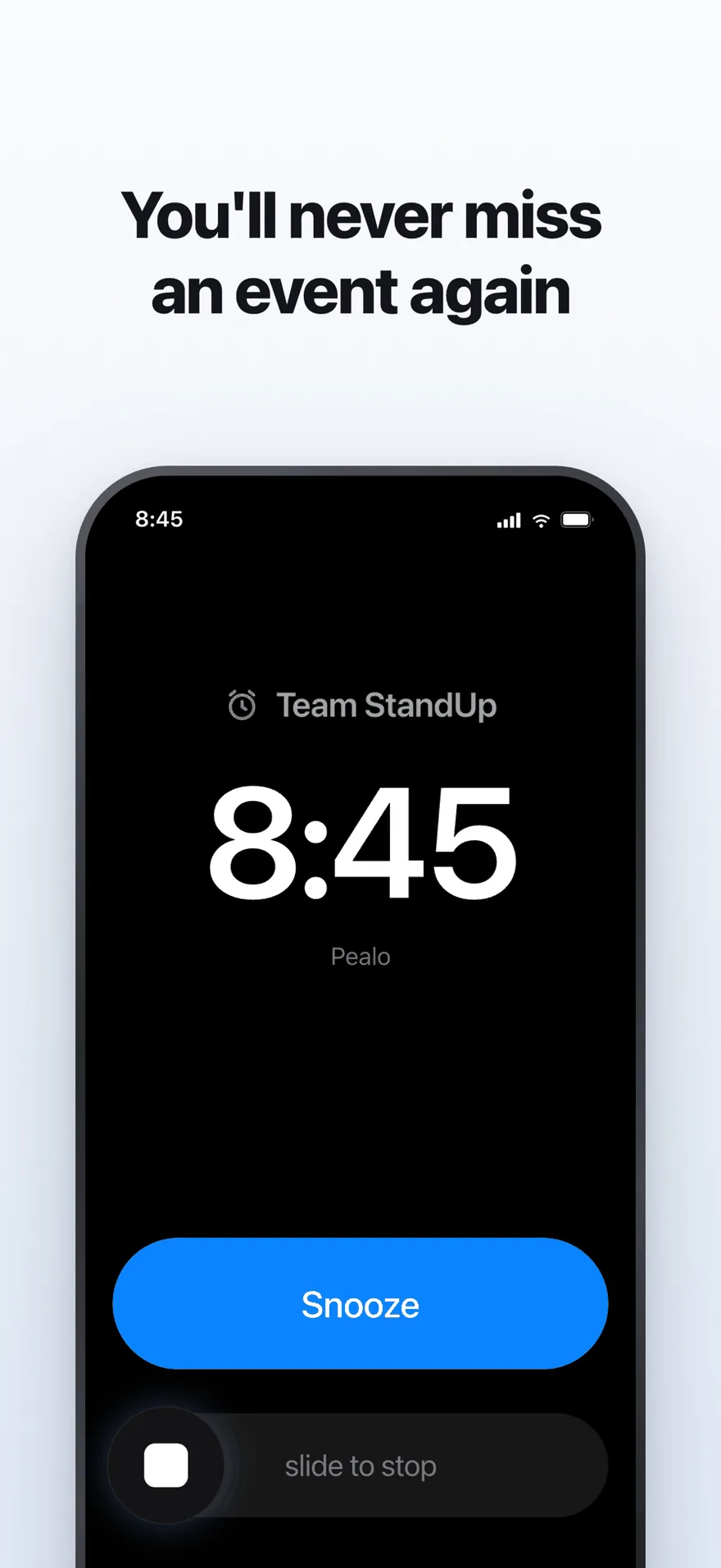
The alarm screen. It rings at full volume through Silent Mode and Focus.
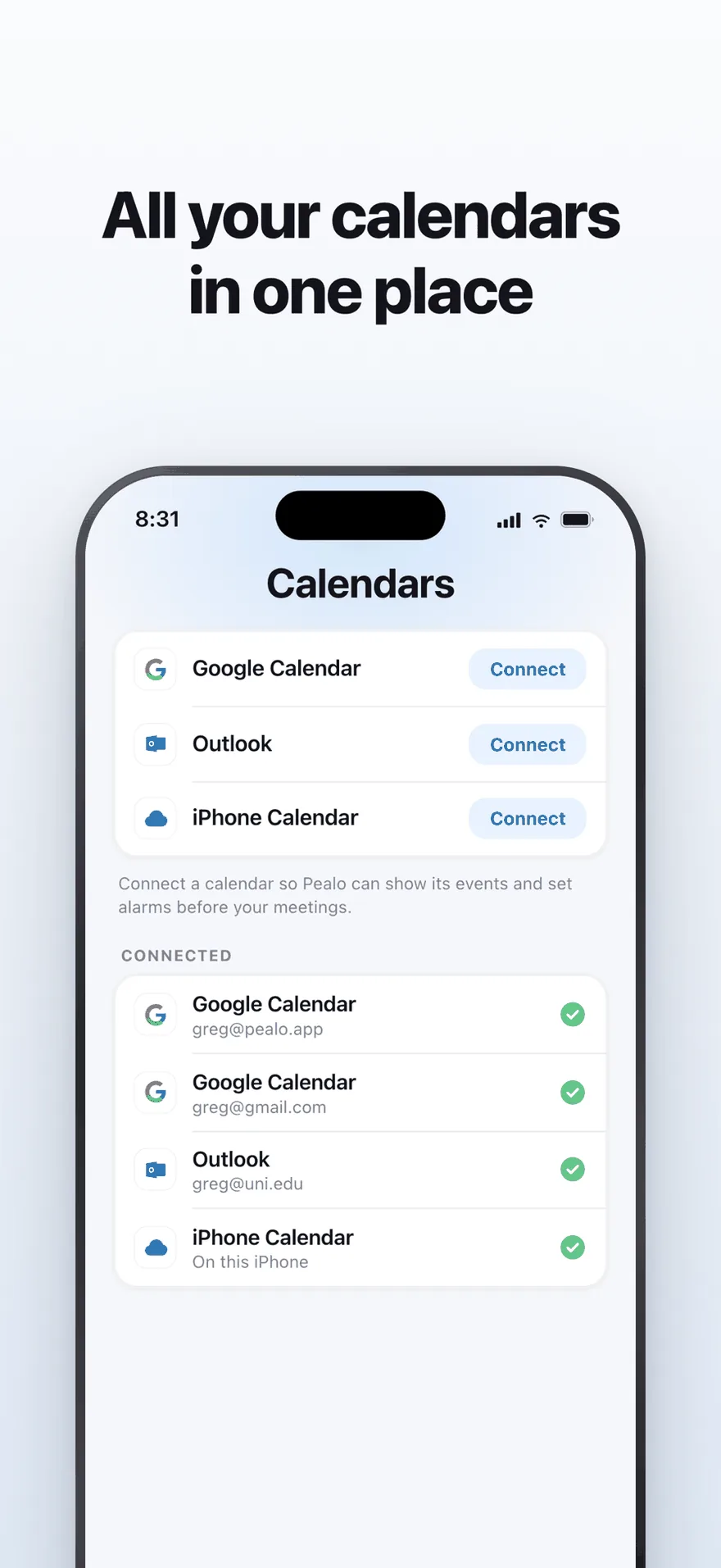
Google Calendar, Outlook and iPhone Calendar — several accounts at once.
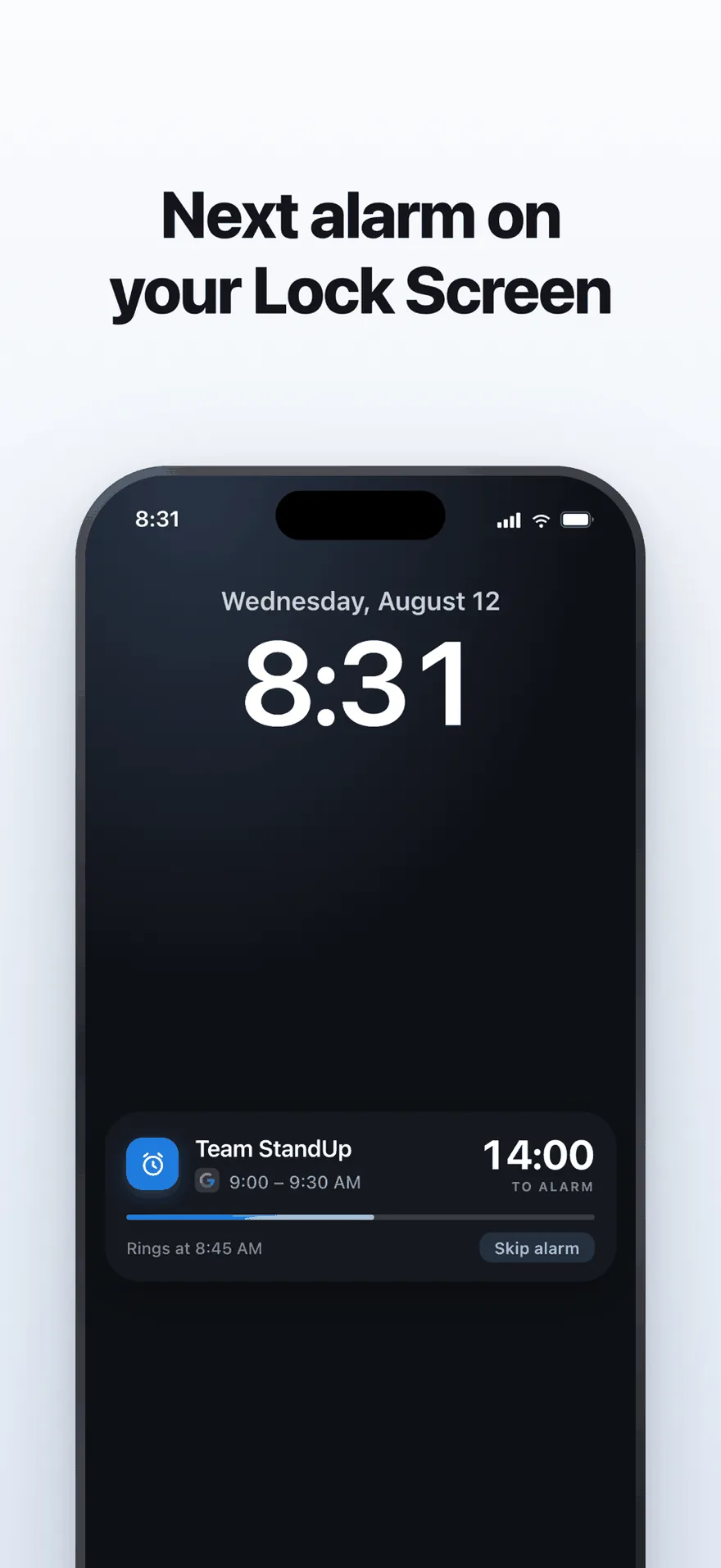
A live countdown on the Lock Screen, with one tap to skip an alarm.
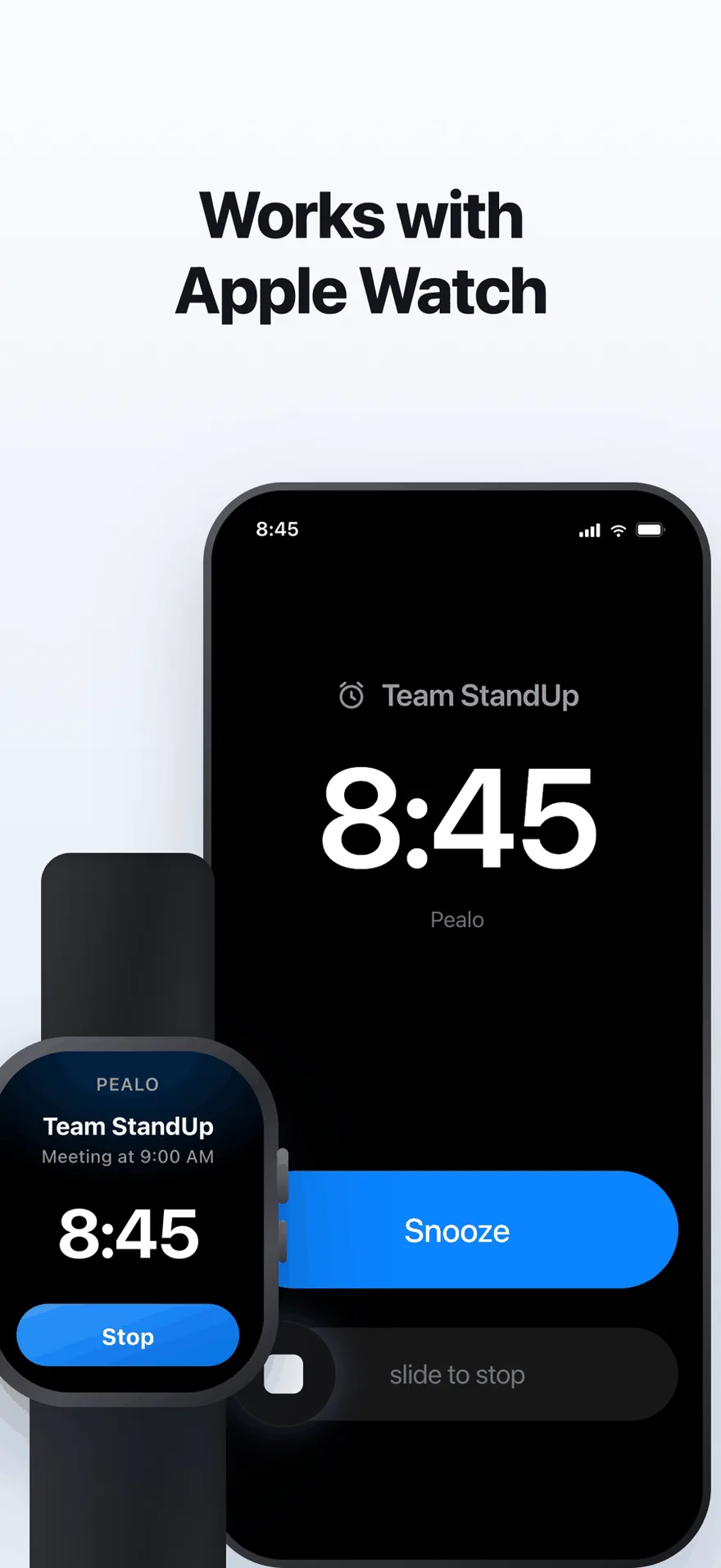
The same alarm on Apple Watch. No extra setup.
FAQ
Questions about the alternatives
What is the best calendar alarm app?
For several calendars that change often, Pealo, because it connects Google, Outlook and iCloud at once and arms every alarm automatically. For a fixed weekly schedule, the built-in Clock app is enough. For an Apple-Calendar-only setup, Calarm and Beacon are solid.
Can the iPhone Clock app read my calendar?
No. The Clock app has no access to calendar events, so every alarm has to be created and updated by hand. That works until the schedule changes.
Why not just use calendar reminders?
Reminders are notifications. Silent Mode mutes them, Focus hides them, and they disappear after a second. If your phone is ever silenced, they are the least reliable option here.
Which apps read Google Calendar directly?
Pealo and the Google Calendar app do. Calarm and Beacon read Apple Calendar, so a Google account has to be mirrored into it first, which adds a delay and a point of failure.
Is Alarmy a calendar alarm app?
No. Alarmy makes strong wake-up alarms but reads no calendars, so every alarm is set by hand. It sits with the Clock app in the table above: reliable sound, manual setup.
Do Fantastical or the Google Calendar app make alarms?
No. Both send notifications, which Silent Mode mutes and Focus hides. They are built for seeing and planning a calendar, so the alarm has to come from somewhere else.
Is there a free option that works?
The iPhone Clock app is free and its alarms ring on silent, but you set every one by hand. A free Pealo web app with one calendar connected is in development.
Does any of them handle two accounts of the same kind?
Pealo does — two Google accounts, for example, feeding one list of alarms. Most alternatives assume you have a single account.
Test it against whatever you use now.
Connect one calendar and compare a week of alarms. Seven days free.
Try Pealo free for 7 daysSeven days free, then $49.99 a year
Pealo on every device